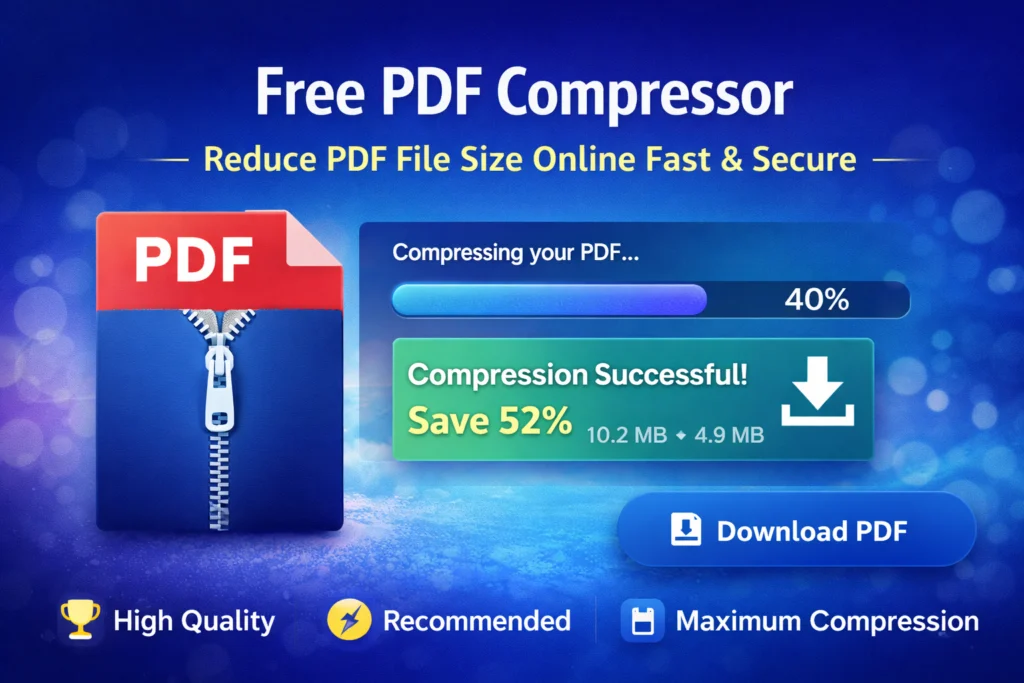
PDFs are widely used, but large file sizes often cause problems. Whether you are sending documents, uploading forms, or saving files, a PDF PDF Compressor Tool helps you reduce size without breaking layout or readability.
This tool is designed for students, professionals, and businesses that need quick results.
When Should You Compress a PDF?
PDF compression is useful for:
- Submitting assignments
- Sending reports to clients
- Uploading resumes
- Sharing invoices
- Saving cloud storage
Smaller PDFs work faster everywhere.
Compression Levels Explained
Choosing the right level matters:
- High Quality: For print-ready documents
- Recommended: Best balance of size and clarity
- Maximum Compression: Smallest possible file size
- Each option is optimized for real-world use.
Clean Interface, Clear Results
This tool provides:
- Drag-and-drop upload
- File details and page count
- Compression progress indicator
- Size reduction summary
- One-click download
No confusion. No unnecessary steps.
What Changes After Compression?
- Faster uploads and downloads
- Easier email sharing
- Less storage consumption
Improved mobile performance
Helpful Tips for PDF Compressor Tool
Image-heavy PDFs compress more effectively than text-only files. For scanned documents, compression results are usually stronger.
FAQs
Can I use this on mobile?
Yes, the tool works on mobile browsers.
Does it change file format?
No, output remains a PDF.
Is my data safe?
Yes. Files stay on your device during processing.
Conclusion
A good PDF Compressor Online should be fast, simple, and trustworthy. This tool focuses on exactly that — helping you manage PDFs without stress.


One Response
this is an interesting article, i enjoy reading it, keep up the good work, do you post often, i want to start following you. my site is https://webdesignfreelancermunchen.de/ it is the top webdesign freelancer platform in Germany.