Images are a core part of modern websites, blogs, and social media. But using images without proper cropping can break layouts, reduce quality, and hurt engagement. A Free Image Crop Tool Online helps you fix this instantly—without downloads, software, or signup.
This tool allows you to crop images directly in your browser, making image editing fast, simple, and accessible for everyone.
What Is a Free Image Crop Tool Online?
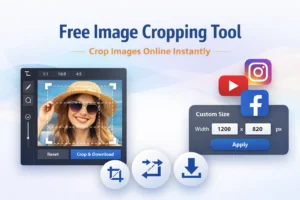
A free image crop tool online lets you upload an image, select the desired area, crop it, and download the final version instantly. Everything works online, so there’s no need for Photoshop or any design skills.
You can use it for:
- Websites
- Blogs
- Social media posts
- Thumbnails
- Marketing graphics
Why Use an Online Image Crop Tool?
Using an online image cropper offers several advantages:
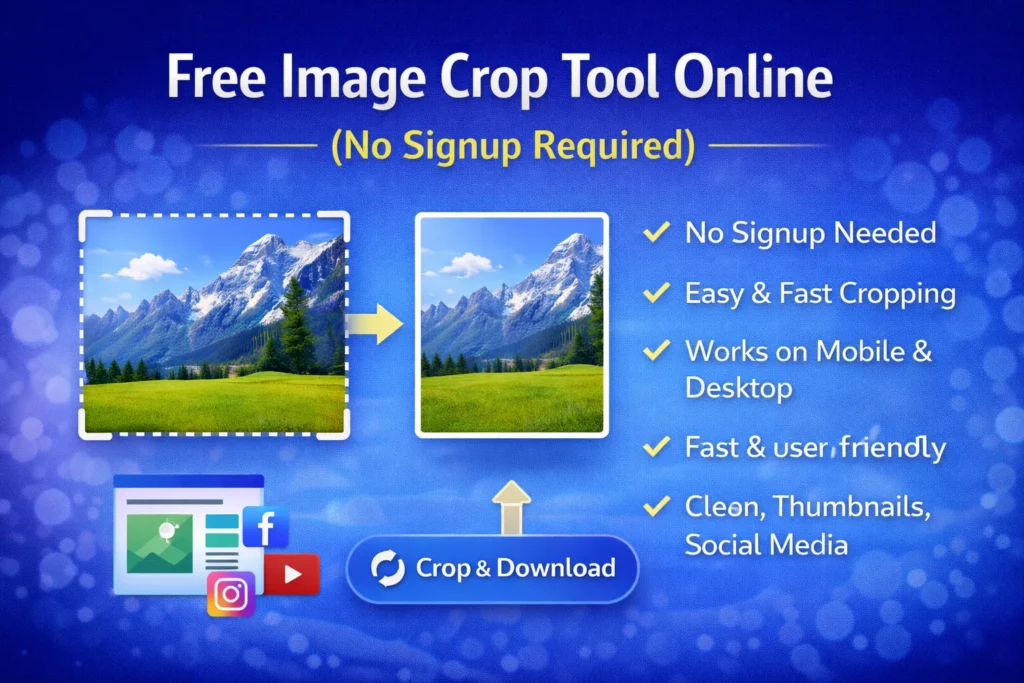
- No signup required – start instantly
- No software installation
- Works on desktop and mobile
- Fast and user-friendly
- Clean and accurate cropping
This makes it ideal for both beginners and professionals.
How to Crop Images Online (Simple Steps)
- Upload your image
- Select the crop area
- Adjust size or ratio if needed
- Crop and download instantly
The entire process takes only a few seconds.
Why Image Cropping Is Important
Proper image cropping is more than just aesthetics. It helps:
- Improve website design consistency
- Focus attention on key image areas
- Reduce unnecessary background space
- Create perfect thumbnails and previews
Well-cropped images look professional and engaging.
Image Cropping for SEO & Website Speed
Large or poorly cropped images can slow down websites. Cropping images correctly:
- Reduces image dimensions
- Helps improve page load speed
- Supports better Core Web Vitals
- Improves overall SEO performance
Faster websites rank better and keep visitors longer.
Perfect for Social Media & Thumbnails
Different platforms require different image sizes. An online image crop tool helps you:
- Crop images for Instagram, Facebook, and Twitter
- Create YouTube thumbnails
- Adjust images for profile pictures and banners
This ensures your images always look right.
Privacy & Security
This image crop tool processes images instantly and does not require user accounts. Your images remain private and are not stored permanently.
Who Should Use This Tool?
This tool is ideal for:
- Bloggers
- Website owners
- Content creators
- Social media managers
- Students and professionals
Anyone who works with images online can benefit.
Frequently Asked Questions
Is this image crop tool free?
Yes. It is completely free with no signup required.
Does cropping reduce image quality?
No. Cropping removes unwanted areas without reducing clarity.
Can I use it on mobile?
Yes. The tool works on mobile and desktop browsers.
Final Thoughts
A Free Image Crop Tool Online (No Signup Required) is an essential utility for anyone handling images regularly. It saves time, improves visuals, and supports better website performance—all without complexity.
Crop your images quickly, accurately, and professionally—anytime you need.