Images are one of the most powerful elements of a website. They grab attention, explain ideas visually, and improve engagement. However, using images without proper cropping can negatively affect website design, speed, user experience, and SEO.
Image cropping is not just a design task — it is a core part of website optimization.
What Is Image Cropping?
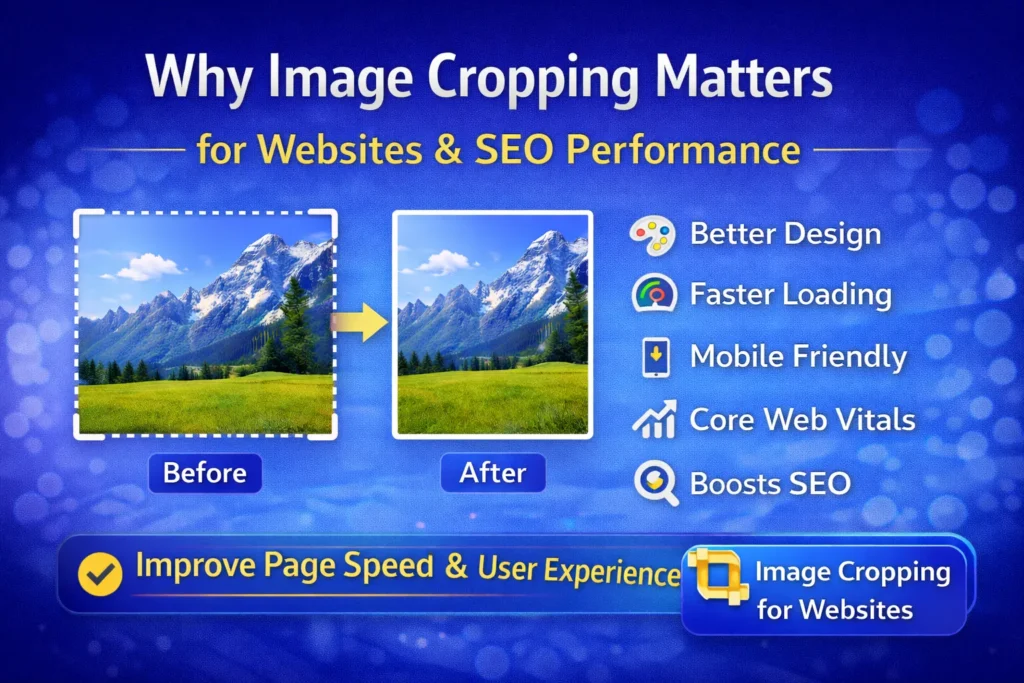
Image cropping means removing unnecessary parts of an image to focus on the most important area. Instead of uploading large, unoptimized images, cropping allows you to use only what is needed.
This results in cleaner visuals, smaller image sizes, and better performance.
1. Image Cropping Improves Website Design
Poorly cropped images can:
- Break layouts
- Look stretched or misaligned
- Reduce visual consistency
Proper image cropping helps images fit perfectly into:
- Blog posts
- Product cards
- Banners
- Thumbnails
Well-cropped images make your website look professional and trustworthy.
2. Better User Experience (UX)
Visitors decide within seconds whether to stay on a website. Cropped images:
- Remove distracting background elements
- Highlight the main subject
- Make content easier to understand
Clear visuals keep users engaged and reduce bounce rate.
3. Faster Website Loading Speed
Large, uncropped images increase page size and slow down loading time. Cropping images:
- Reduces image dimensions
- Lowers file size
- Improves page speed
Faster websites perform better on both desktop and mobile.
4. Image Cropping Helps SEO & Core Web Vitals
Google favors fast and well-optimized websites. Image cropping directly supports SEO by improving:
- Largest Contentful Paint (LCP)
- Page load time
- Mobile performance
When images are properly cropped and optimized, search engines can crawl and rank your pages more effectively.
5. Mobile-Friendly Image Display
Most users browse websites on mobile devices. Without proper cropping:
- Important image areas may get cut off
- Images may appear unclear or awkward
Cropping images ensures they look perfect on all screen sizes.
6. Perfect Images for Social Media & Thumbnails
Different platforms require different image sizes. Image cropping allows you to:
- Create clean thumbnails
- Optimize images for social media previews
- Improve click-through rates
Well-cropped images attract more attention and clicks.
7. Reduced Bandwidth & Storage Usage
Using only the required image area:
- Saves hosting bandwidth
- Reduces storage usage
- Improves overall website efficiency
This is especially important for image-heavy websites and blogs.
Best Practice: Use an Online Image Crop Tool
Using a Free Image Crop Tool Online helps you:
- Crop images instantly
- Avoid heavy editing software
- Maintain image quality
- Optimize images for web and SEO
Online tools make image cropping fast and beginner-friendly.
Final Thoughts
Image cropping is a small step with a big impact. It improves:
- Website design
- User experience
- Page speed
- SEO rankings
If you want a faster, cleaner, and more professional website, proper image cropping should be part of your workflow.